
Missing Azure Subscriptions

Today one of my colleagues set up a new subscription in Azure and sent me a link to it. When I tried to access it through the link everything worked but when I tried to find it in the Azure Portal I did not see it:
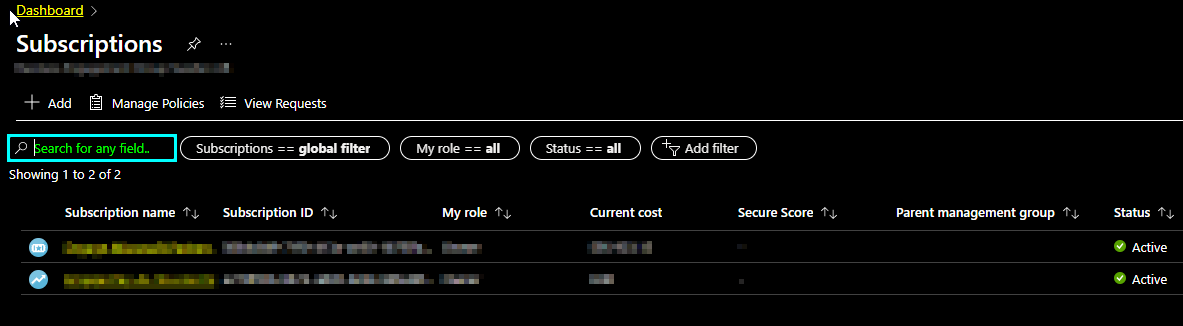
There should be three subscriptions here... After fiddeling around with the filters without success I resorted to some Google research. It turns out there is Über-Mega Filter called the Global Subscription Filter that you find here:

When clicking it, I found the missing subscriptions
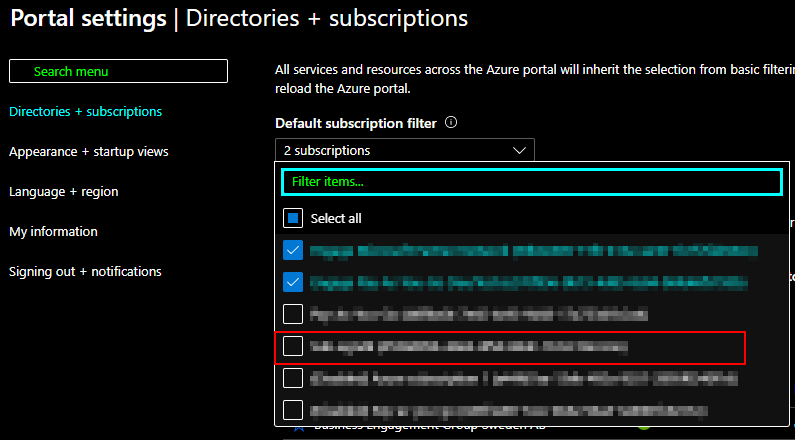
Once this was checked I was able to see the missing subscription in UI in the Azure Portal.