
Force running distribution jobs in Dynamics 365 for Operations Retail

When working with retain in Dynamics 365 for Finance and Operations, distribution jobs are used for moving data between Channel Database and the “AX” transaction database.
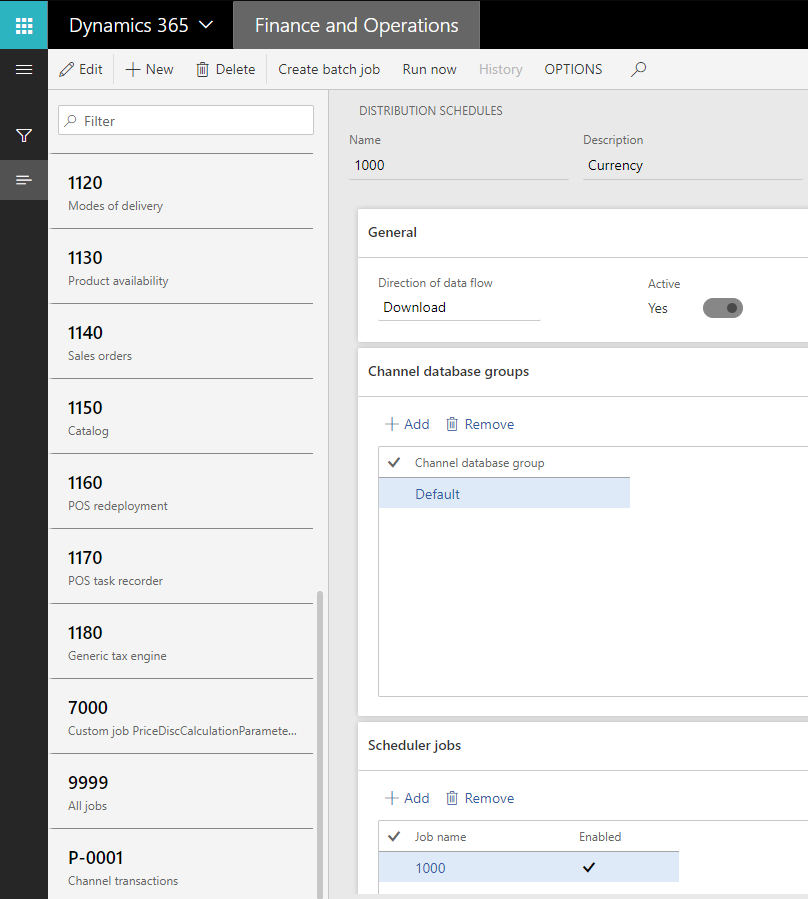
The jobs with the prefix P are inbound to AX and the other once are for outgoing sync. In some cases we need to trigger these jobs manually. To do this go to Retail IT - Distribution Schedule. Select the job and click Run Now
When the job is run click the History button to verify that it ran OK.
/Johan