
Problems with Event viewer messages for AX

Quite ofter when I look in the eventviewer I can see issues that the Event ID text does tell me anything other than it is not possible to show the message. I got this today at a customers that is running AX so I descided to find the solution. The error message I got looked like this:
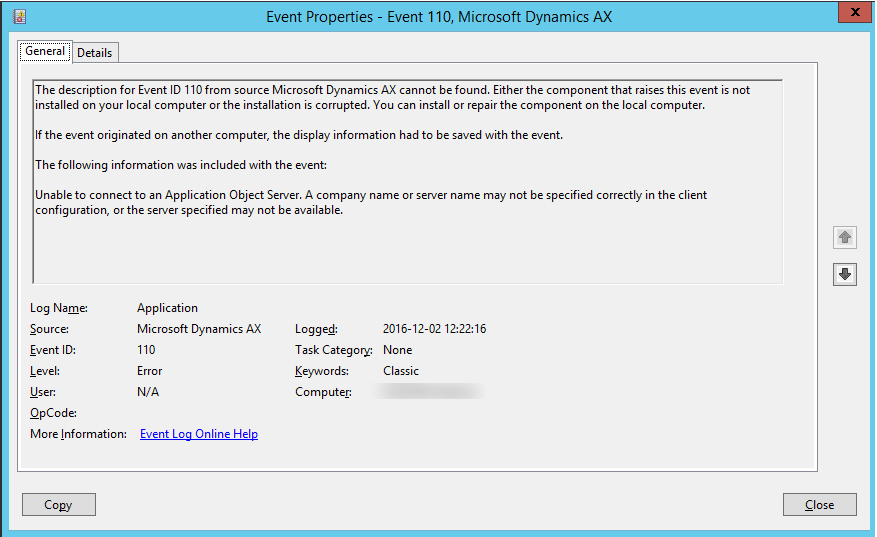
I searched around a bit and found a solutin online… turns out we need to create a registry key pointing to the correct file containing the event text. This could be a exe or a dll file.
Below is a link to the information and the entire solution. The short description is this:
- Open regedit and go to HKEY_LOCAL_MACHINE\SYSTEM\CurrentControlSet\Services\EventLog\Application
- Create a new key called Microsoft Dynamics AX
- Create a String Value called EventMessageFile and add the following text:
C:\Program Files (x86)\Microsoft Dynamics AX\60\\Client\Bin\Ax32.exe
Best Regards
/Johan
Link: