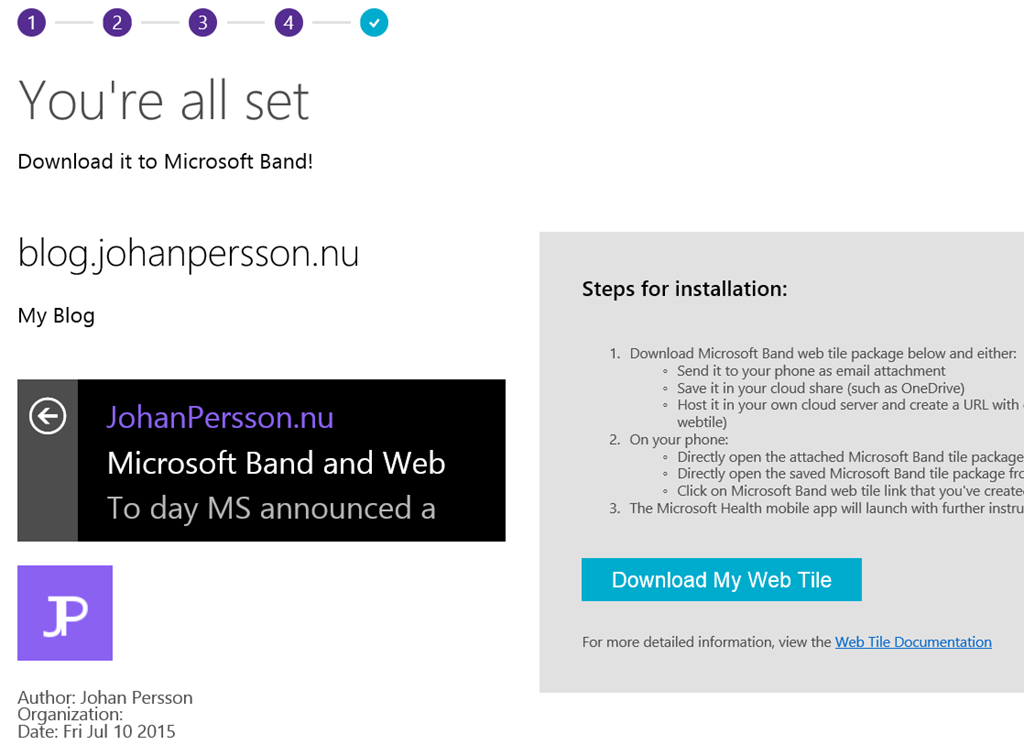
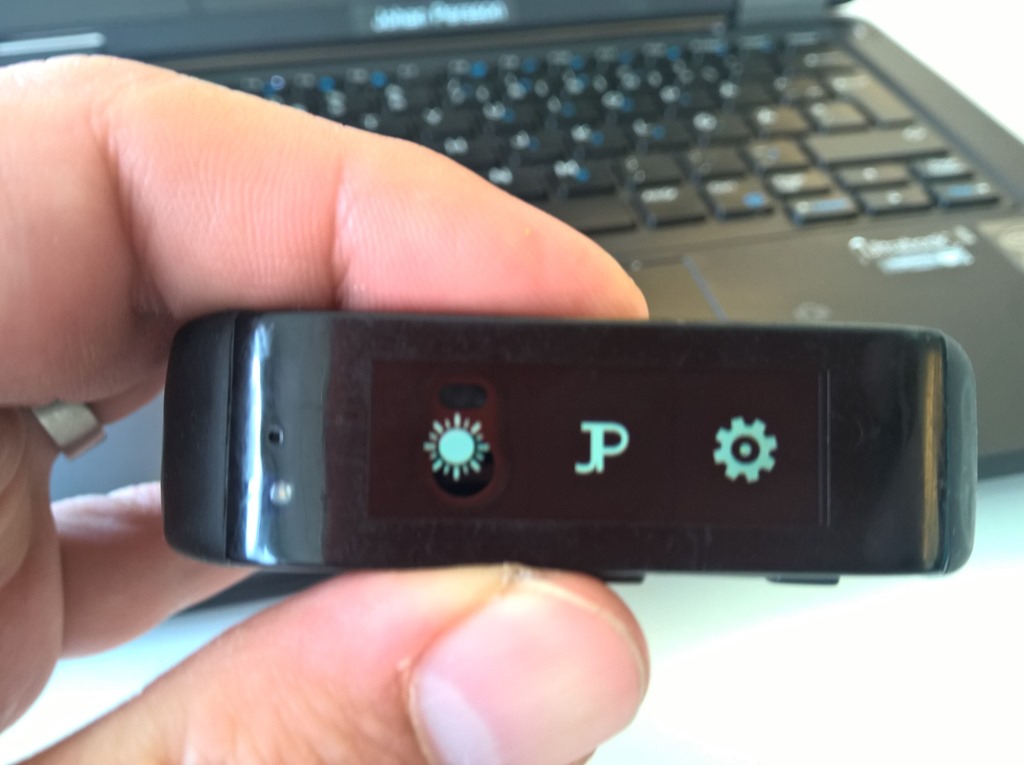
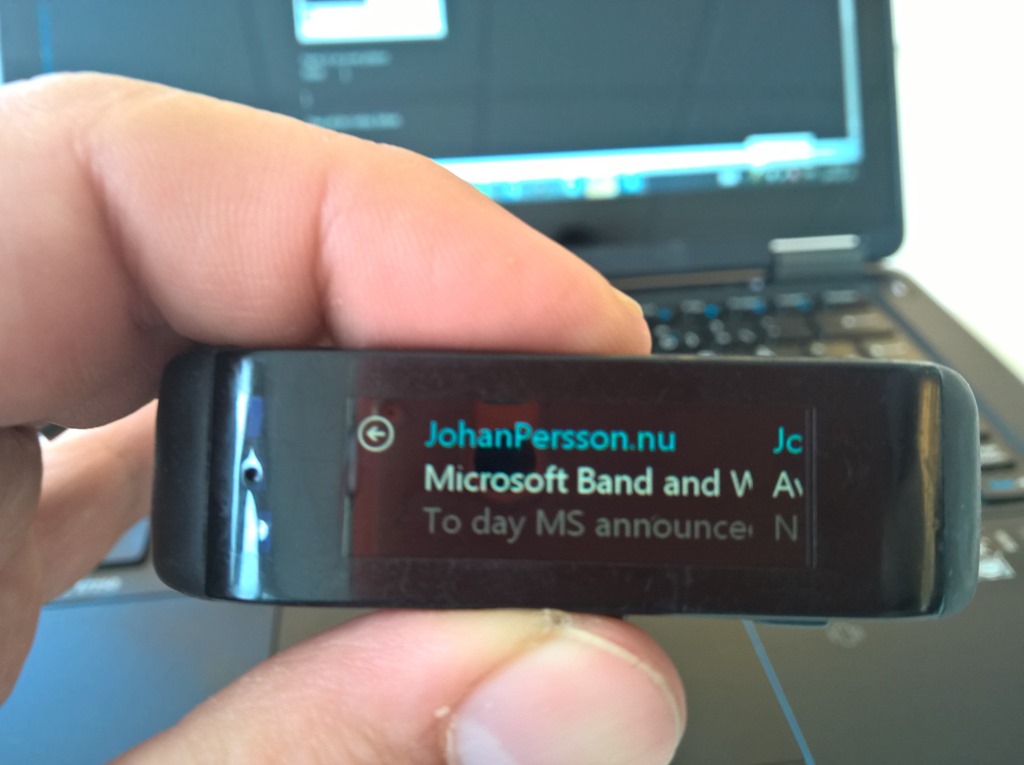
Microsoft Band and Web Tiles

Edit (10/7 2015): Added Images
To day MS announced a thing that was pretty cool... The ability to easily add an information stream to your Microsoft Band. All you need is an RSS feed and an icon image file... lets do it
- Go to http://developer.microsofthealth.com/WebTile/ and click get started
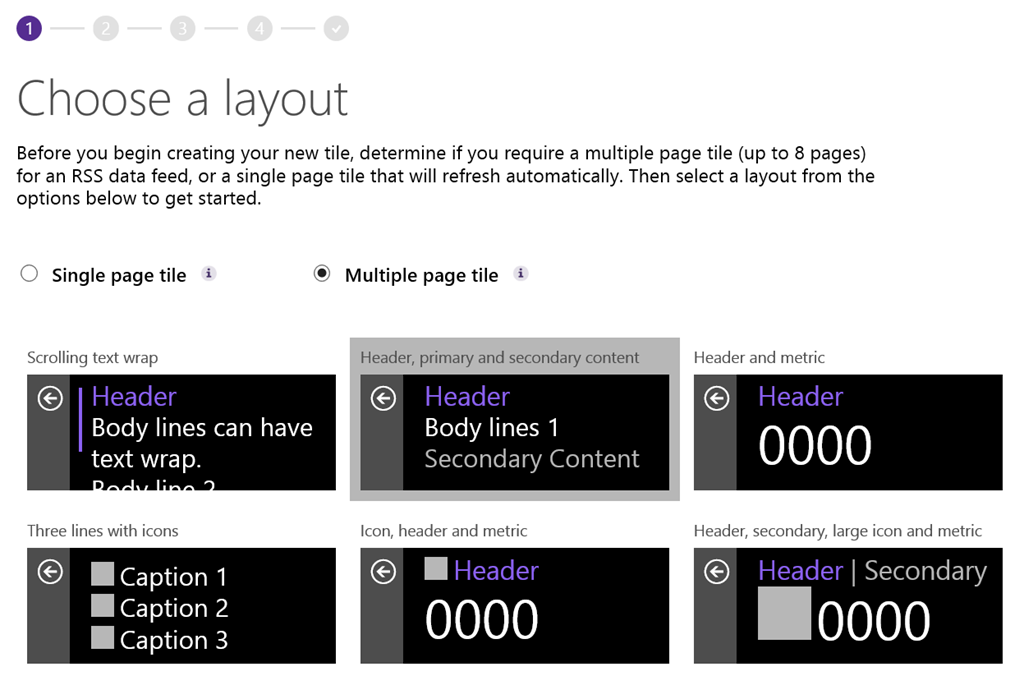
- Choose a layout
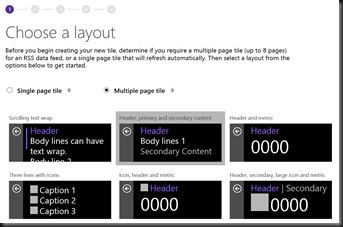
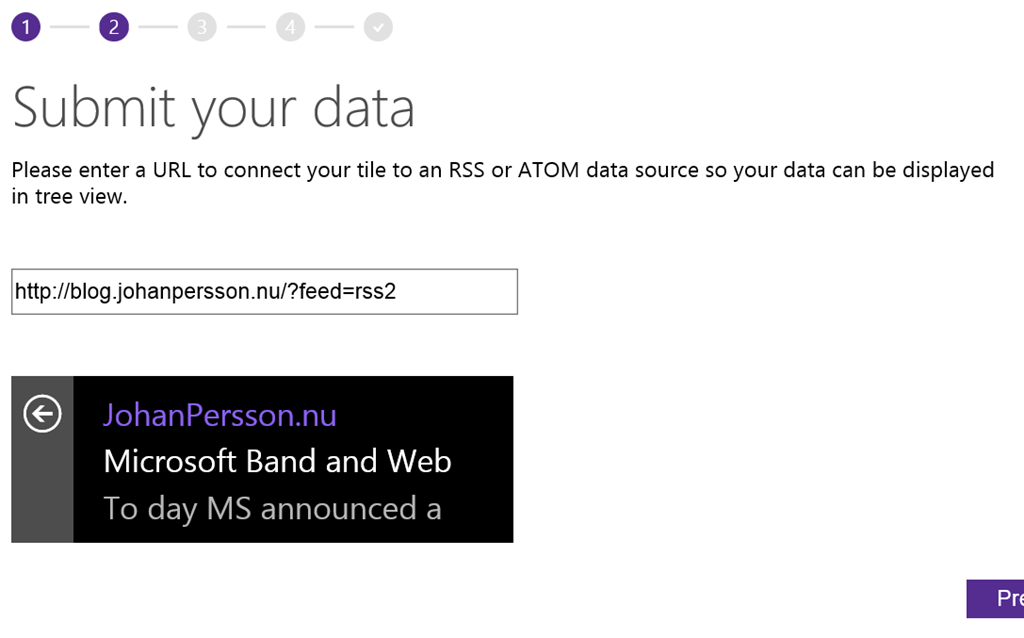
- Input your RSS adress
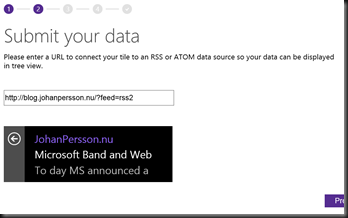
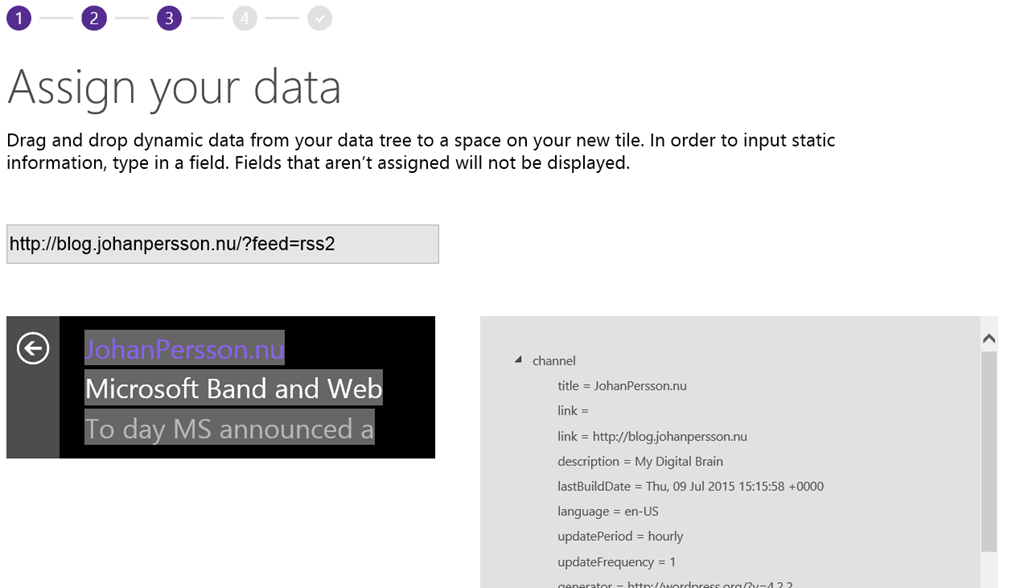
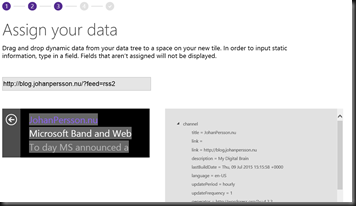
- Assign your datafields to the specific fields on the band by drag and drop. I used Channel.Titel, item.title and item.encoded.
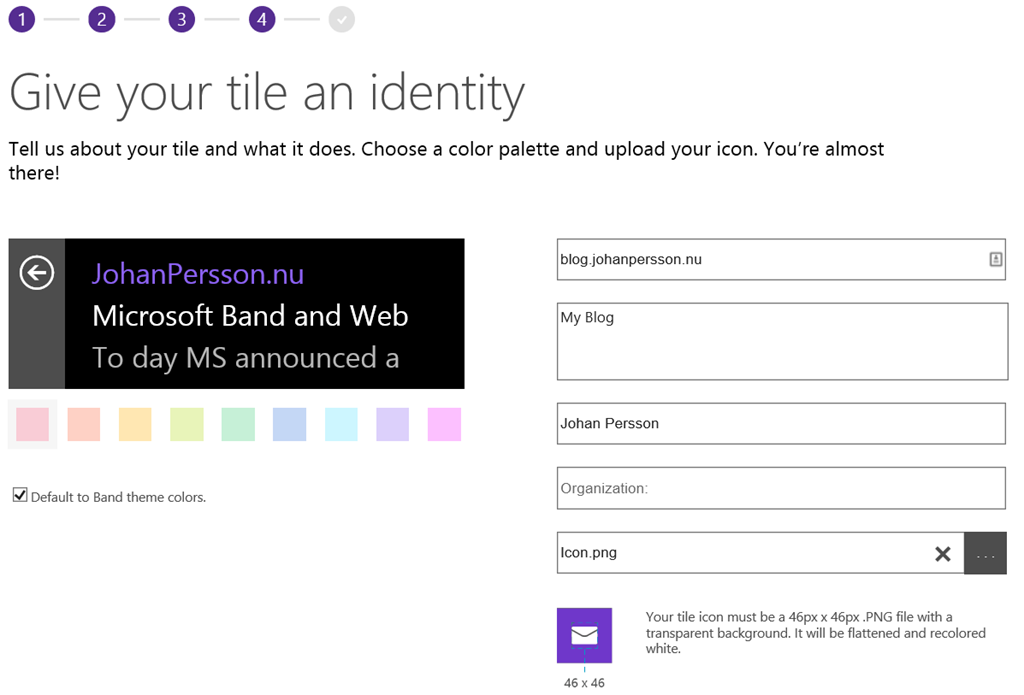
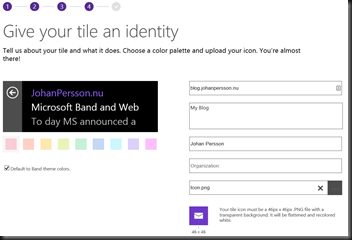
- Enter information about your app and add an icon (46 x 46) it needs to be a PNG and have a transparent background
- Download the app and either send it by email och save it to OneDrive
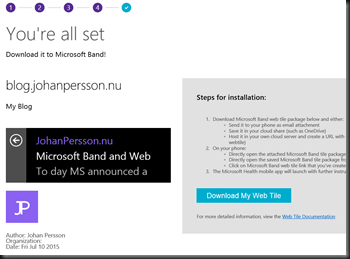
- Open it on your phone
- Done
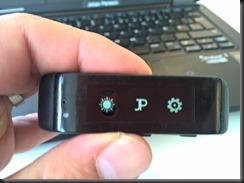
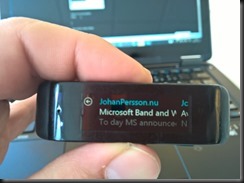
- That all for today /Johan