
Installing Windows Server 2012 Essentials

Microsoft has released a public beta version of Windows Server 2012 Essentials. Today I am going so show you the setup experience. The first screens are exactly the same as Windows Server 2012.
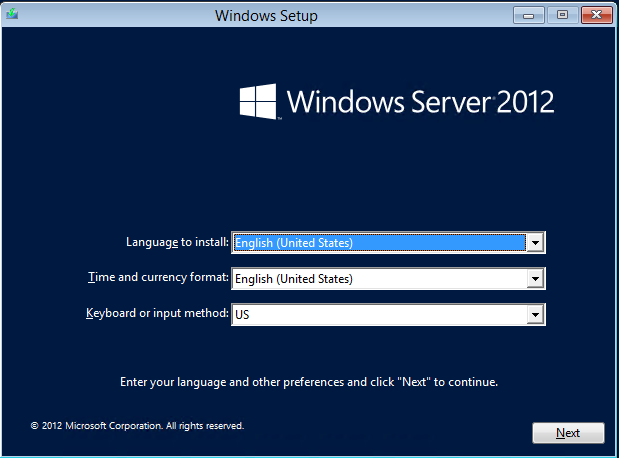
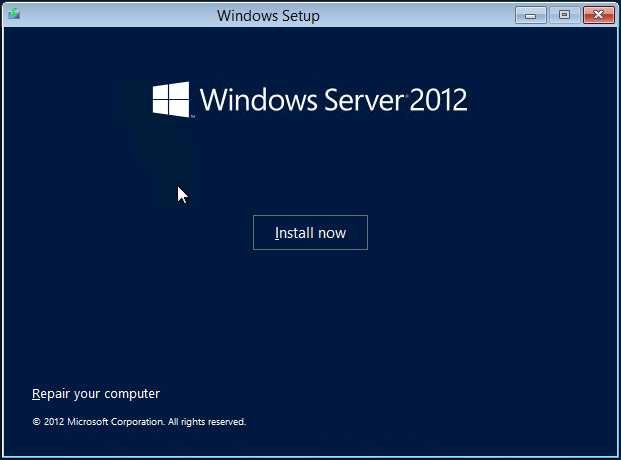
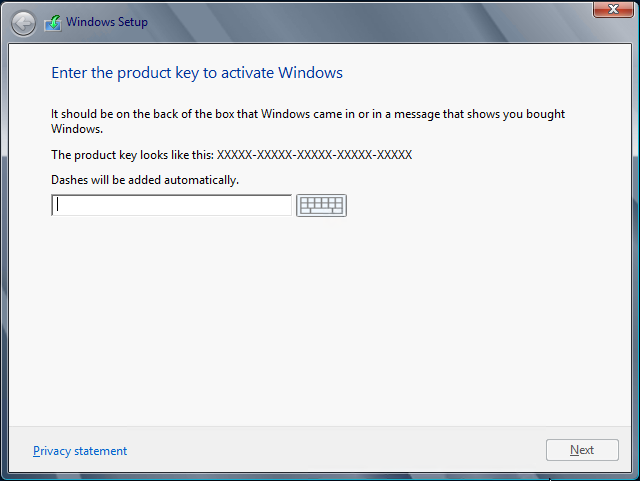
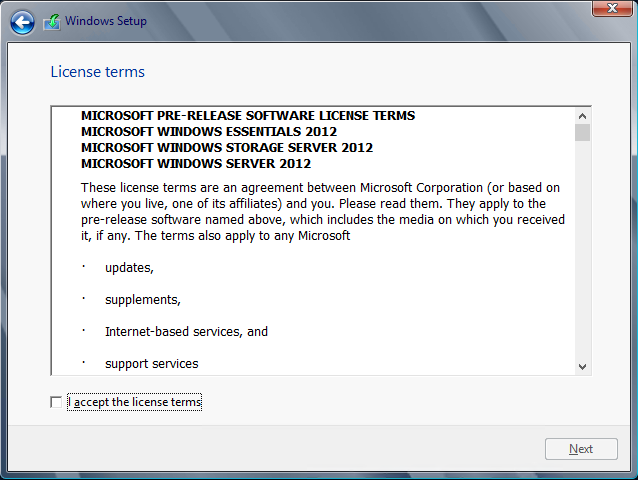
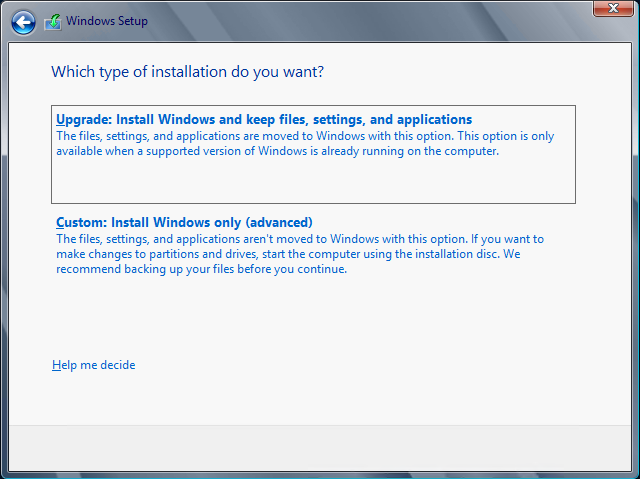
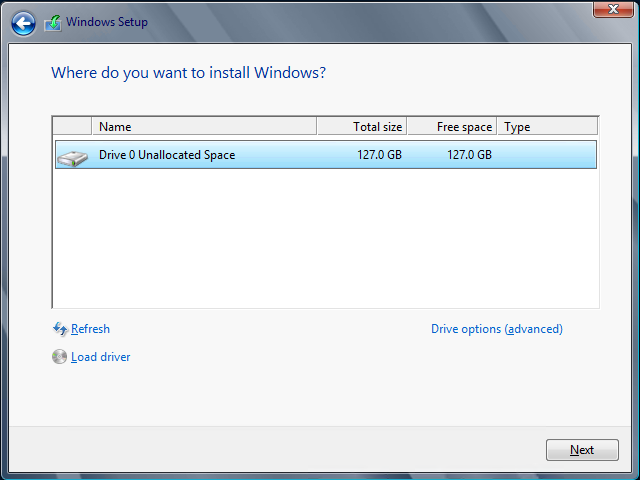
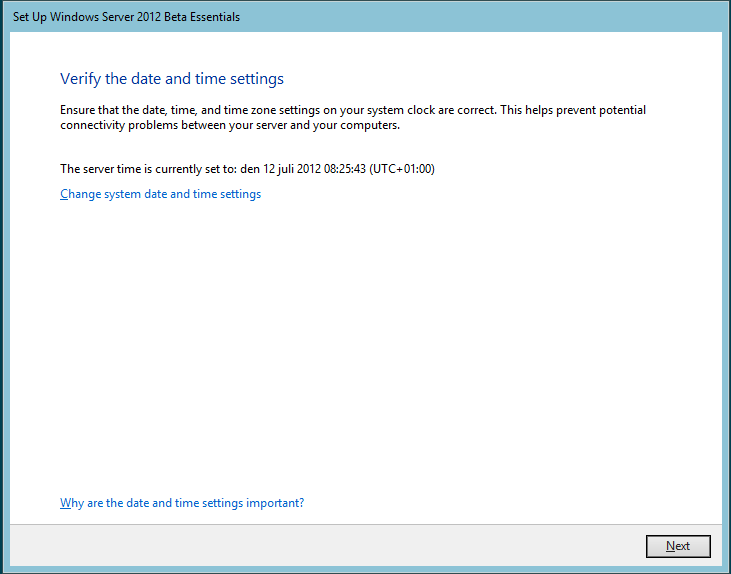
So, when the Windows install is done we kick off the Essentials part.This looks very much like the old SBS/SBSE install.
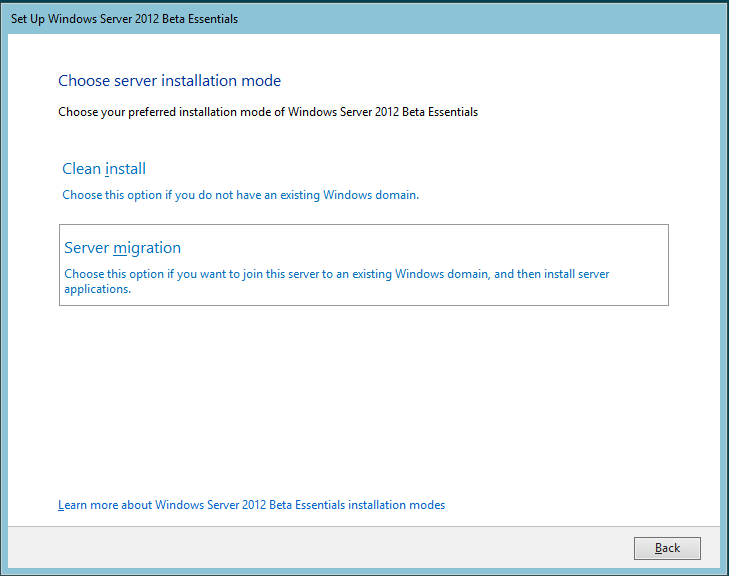
One difference is that we now have a GUI for migrating to Essentials. I will go into more detail on this a little bit later.
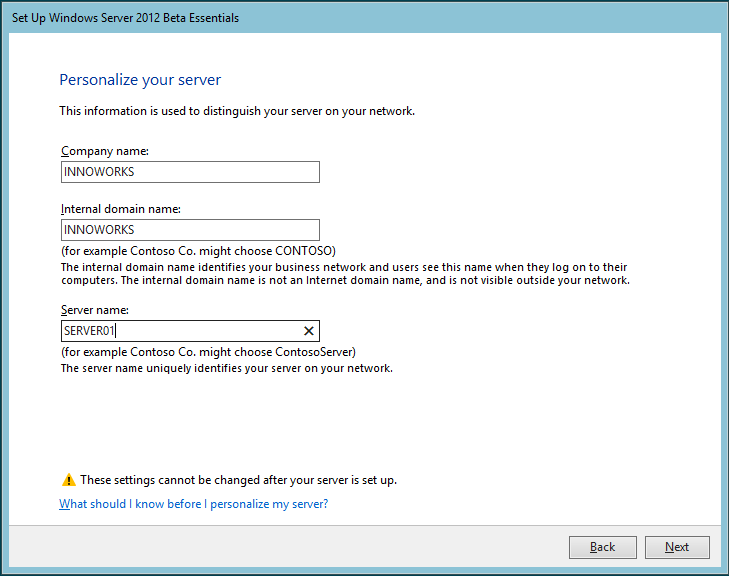
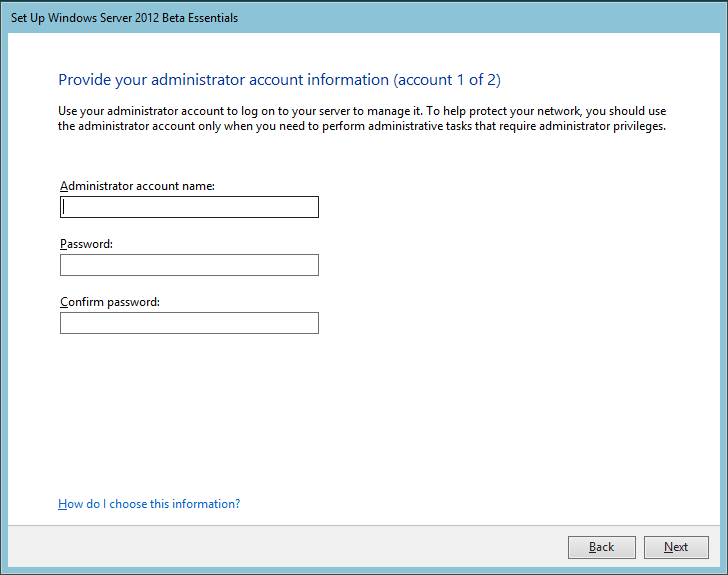
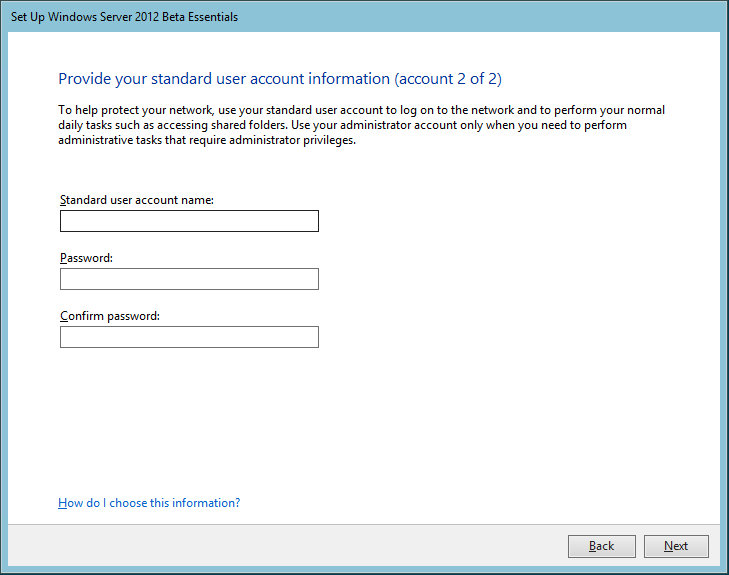
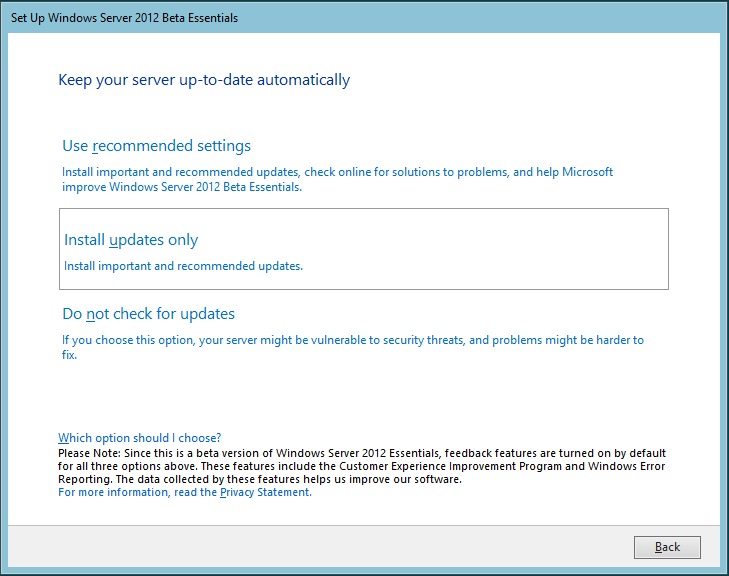
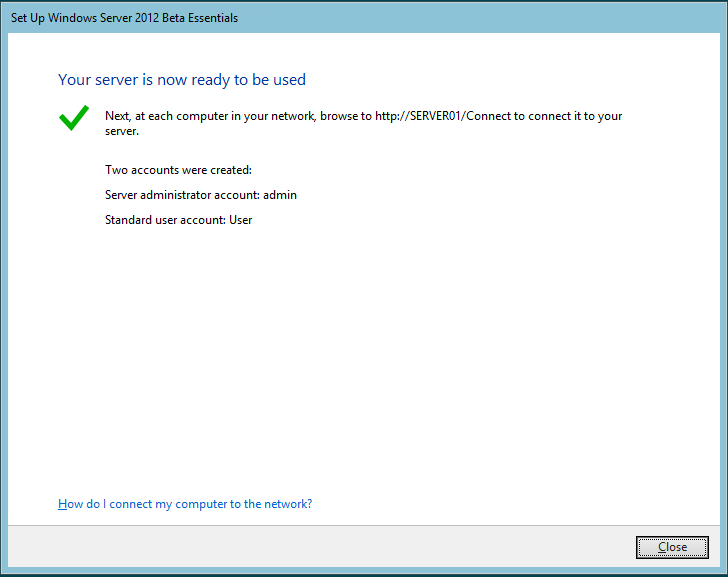
The setup is now down. I will continue in the next post with the configuration.